

Fast, Privacy-First Online Tools & Developer Utilities
Compress images, edit PDFs, format JSON, convert files, and calculate earnings — free, 100% private, and right in your browser.
Explore by category
View all- 252
- Free tools
- 14
- Categories
- 100%
- In your browser
- $0
- No sign-up
Popular tools
The tools people reach for most, every day.
Compress Image
Shrink JPG, PNG and WebP files while keeping good visual quality.
Resize Image
Change image dimensions by pixels or percentage with locked aspect ratio.
Convert Image
Convert between JPEG, PNG and WebP with batch support and quality control.
Merge PDF
Combine several PDFs into one, reorder pages with keyboard-friendly controls.
Word Counter
Count words, characters, sentences and reading time as you type.
Case Converter
Convert text to UPPER, lower, Title, camelCase, snake_case and more.
JSON Formatter
Format, validate and minify JSON with error locations and highlighting.
Age Calculator
Work out exact age in years, months and days, plus next birthday.
Percentage Calculator
Solve every common percentage problem with clear formulas.
JPG to PNG
Convert JPG and JPEG images to lossless PNG files in your browser.
PNG to JPG
Convert PNG to JPG with quality control and transparency flattening.
JPG to PDF
Turn JPG images into a PDF with page size, orientation and margins.
Browse by category
From image optimization and PDF management to text, development, conversions and calculators.
Image Tools
Optimize and edit images in your browser — compress, resize, crop, convert JPEG/PNG/WebP, read or strip metadata, and more. No uploads required.
PDF & Files
Work with PDFs and files locally: merge, split, compress, rotate, watermark, protect and convert PDFs, plus zip/unzip archives — all processed on your device.
Text Tools
Everyday text utilities — count words and characters, change case, clean and dedupe lines, find and replace, compare text, and extract emails or URLs.
SEO & Marketing
SEO and marketing helpers — keyword density, readability, SERP and meta previews, Open Graph, robots.txt, sitemaps, Schema.org, UTM links and slugs.
Developer Tools
Developer utilities — format and validate JSON/HTML/CSS/SQL, encode and decode, test regex, build CSS and cron, and generate git and docker commands.
AI Tools
Practical AI helpers that run in your browser — scan copied text for hidden prompt injections and invisible characters, and clean content before pasting it into ChatGPT, Claude or Gemini.
Converters
Convert between units, temperature, speed, number bases and colour formats, and transform data between CSV, XML and TXT — all in your browser.
Security & Hashing
Security utilities — generate SHA/MD5/HMAC hashes, hash any file, create strong passwords and UUIDs, and decode JWTs, all locally on your device.
Latest from the blog
Practical tutorials on images, PDFs, SEO and more — each paired with the tools that do the work.
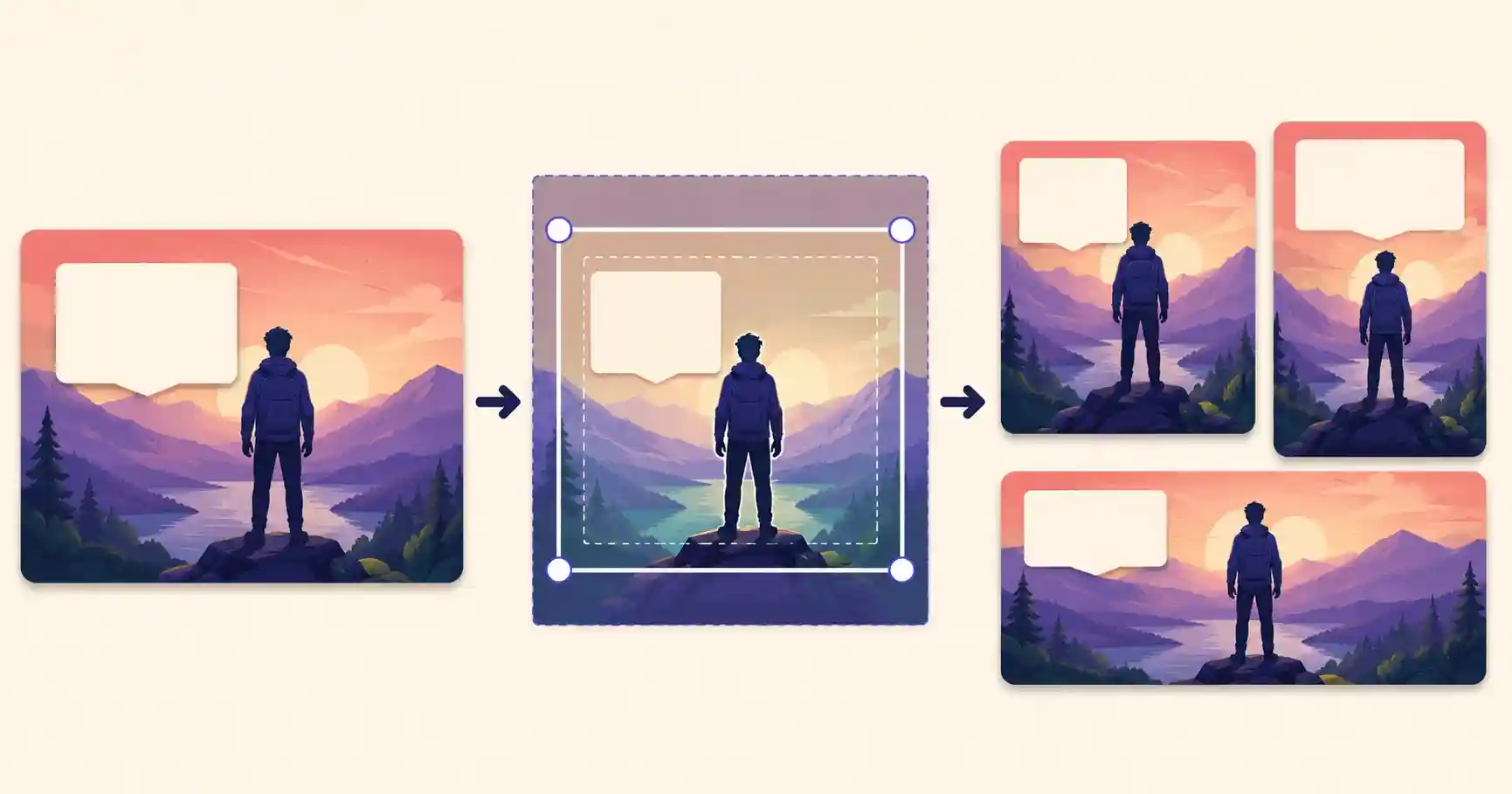
How to Crop Images for Social Media Without Cutting Off Key Text
See current safe zones for TikTok, Instagram Reels and YouTube Shorts. Keep text, logos and CTAs visible, then preview your design with our free checker.
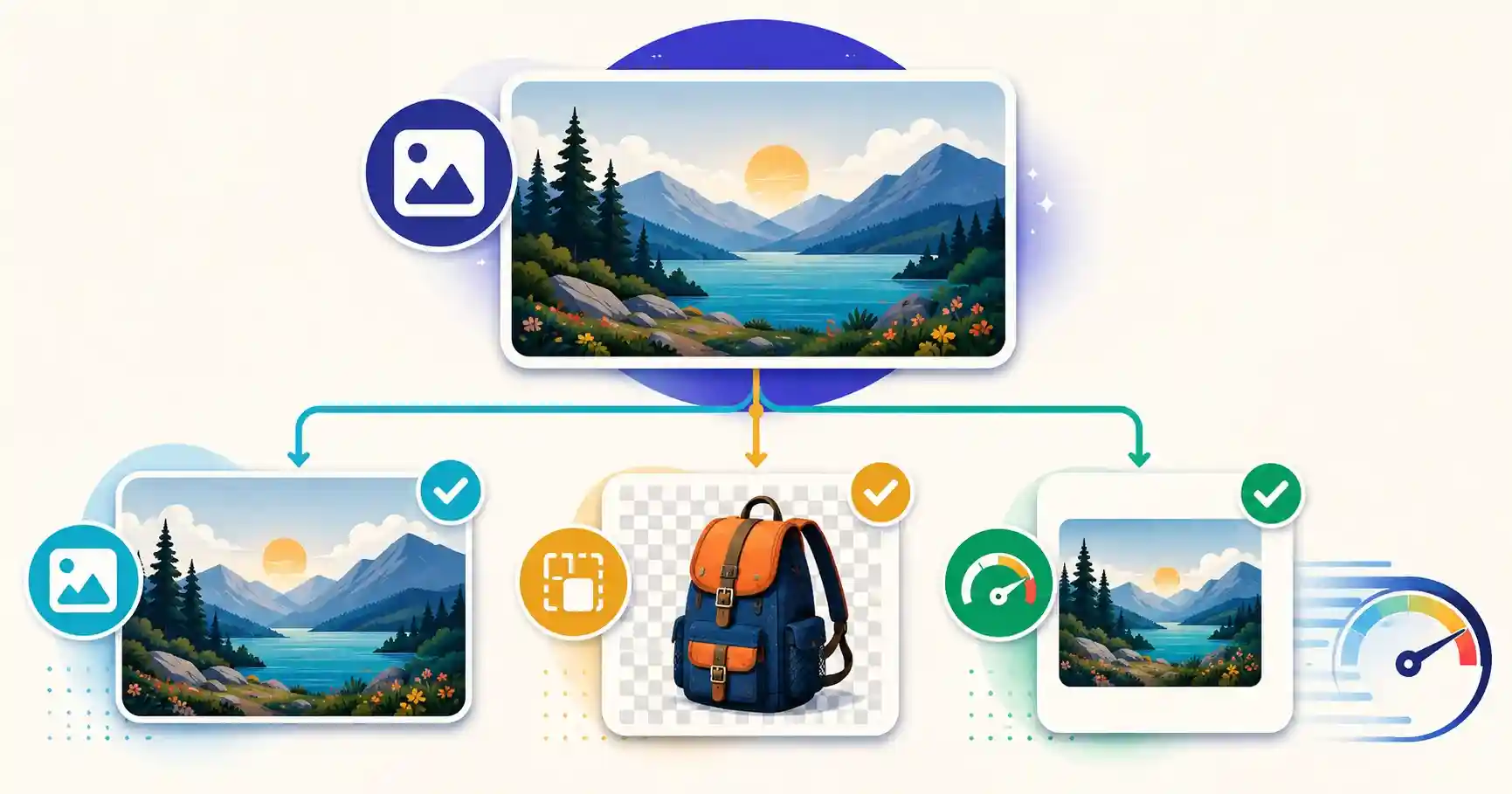
WebP vs JPG vs PNG: Which Image Format Should You Use for Your Website?
Compare WebP, JPG, and PNG for your website. Learn which format is fastest, keeps transparency, and boosts Core Web Vitals, plus how to convert them free.
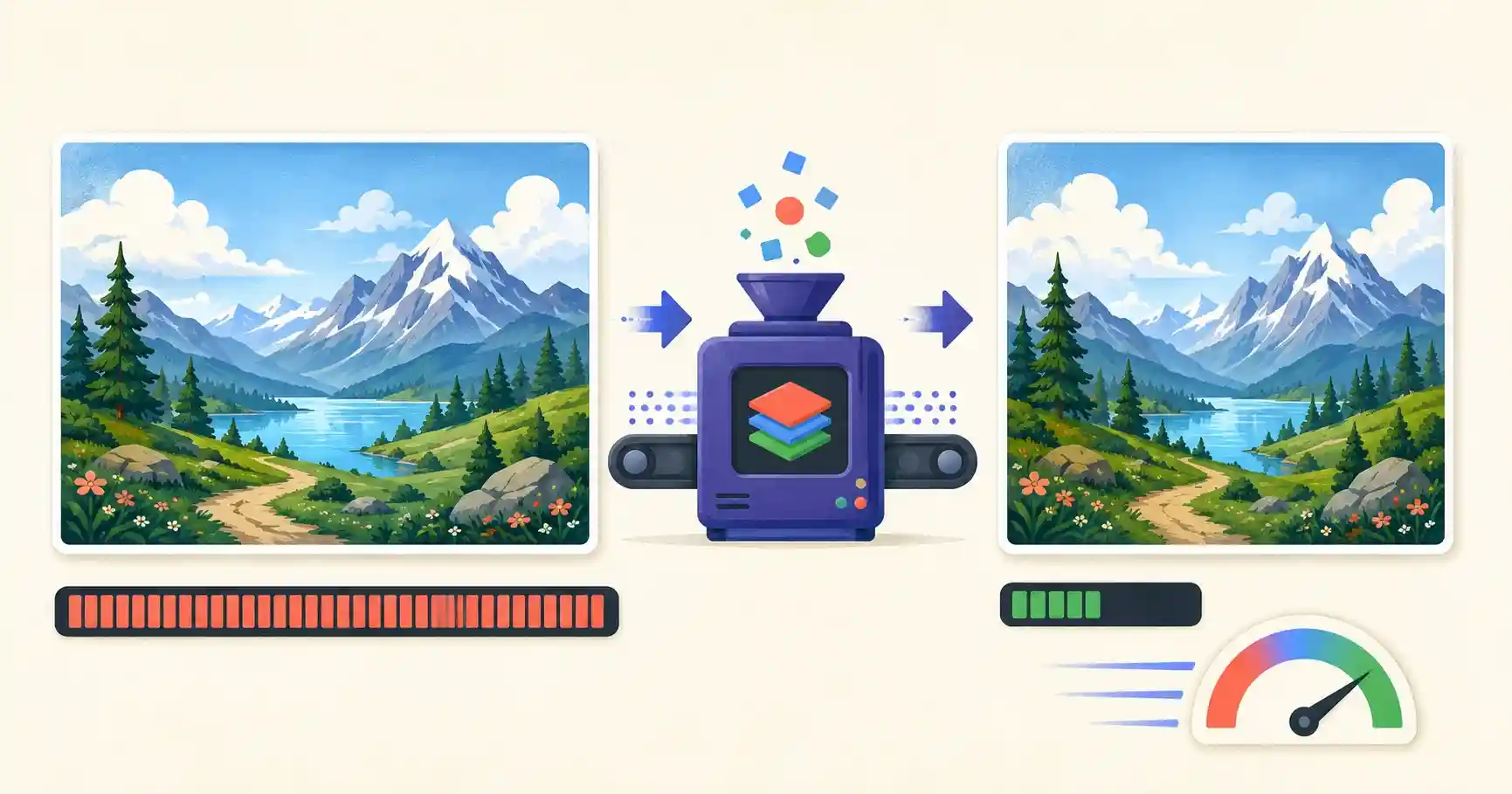
How to Compress Images for Web Without Losing Quality
Compress images for the web without losing quality. Learn lossy vs lossless, target sizes for Core Web Vitals, and shrink photos up to 80% for free.

How to Remove EXIF Metadata and GPS Location Data from Photos
Remove hidden EXIF metadata and GPS location from your photos. Learn the privacy risks and strip camera data before sharing, free in your browser.
Built to respect your time and privacy
No accounts, no uploads by default, no friction — just tools that work.
Instant & fast
Open a tool and start working right away — nothing to install, no setup.
No account
Use every tool with no email, sign-up or subscription.
Private by design
Most image, PDF and text tools run locally, so files stay on your device.
Works everywhere
A responsive, accessible interface for desktop, tablet and phone.
Frequently asked questions
Everything you need to know about OomTools.
Are all OomTools tools free?
Yes. All currently available tools are free to use, with no subscription or account required.
Do I need to create an account?
No. Open the tool you need and use it immediately without signing up or providing an email address.
Are my files uploaded to a server?
Most image, PDF, text and developer tools process files locally in your browser. Network lookups and tools requiring live information use secure server-side requests and are clearly identified.
Can I use OomTools on my phone?
Yes. OomTools is designed for desktop computers, tablets and mobile devices. File controls and interactive features are optimized for touchscreens.
How can I find the right tool?
Use the homepage search, browse the category pages or explore related tools shown on each tool page.
Find your next tool in seconds
No sign-up, no watermarks, and most tools keep your files on your device.